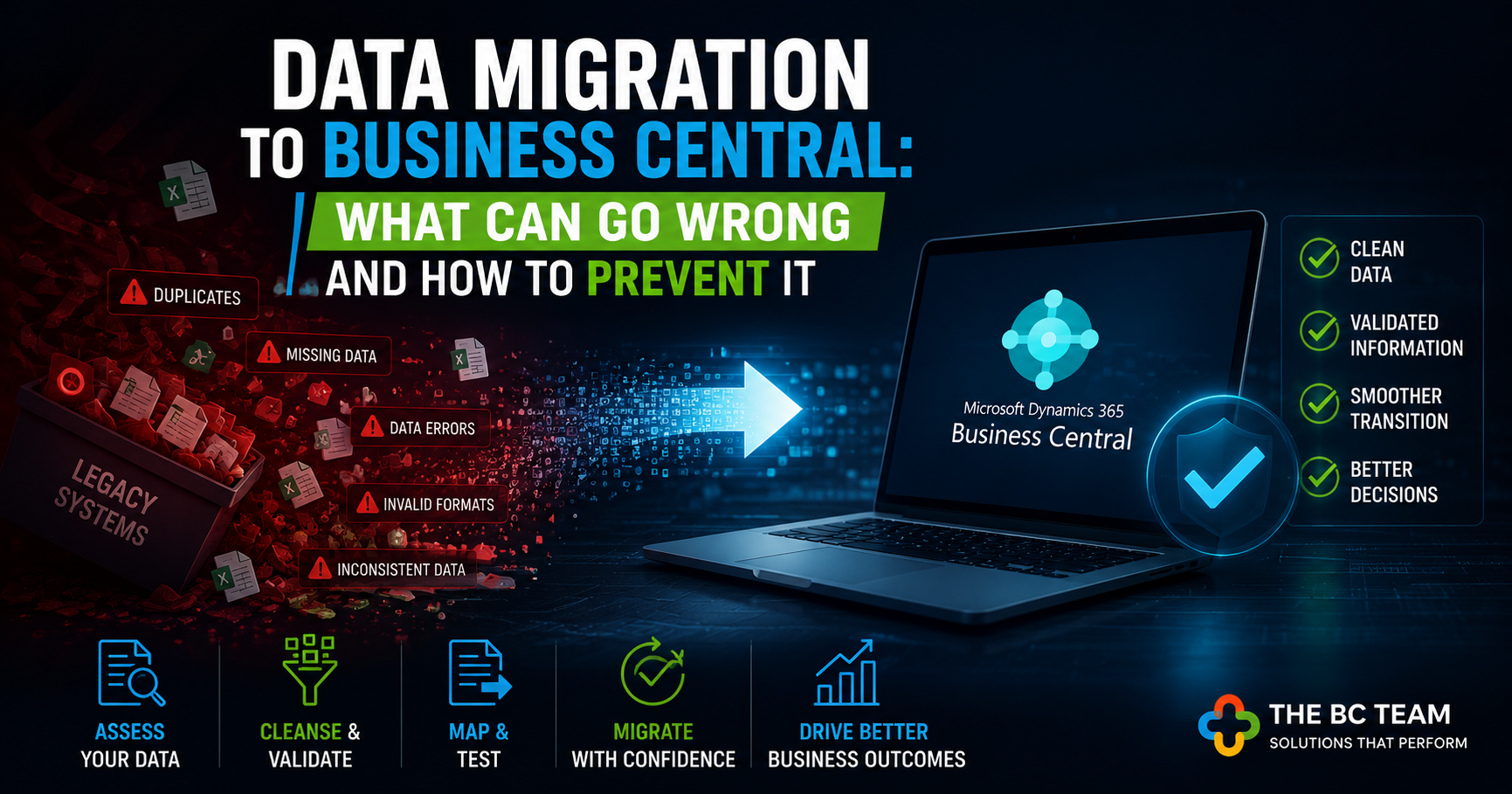
Someone on your team just said the words "data migration" in a meeting. Half the room nodded confidently. The other half quietly tensed up — because they've been through one before.
Data migration is the part of a Business Central implementation that gets the least attention in the sales conversation and causes the most problems in the actual project. Not because the technology is unreliable. Because data is messy, and most organisations don't find out just how messy until they're already committed to a go-live date.
This is a practical breakdown of where migrations go wrong and what you can do — before the project starts — to prevent each one.
The assumption that kills timelines
Almost every migration that runs over schedule or over budget starts with the same assumption: "Our data is pretty clean." It almost never is.
Legacy systems — whether that's an older ERP, a collection of spreadsheets, or a purpose-built accounting package — accumulate years of workarounds. Duplicate vendor records created because nobody could find the original. Customer accounts with mismatched ABNs. Item codes that mean different things in different departments. Open transactions that were never properly closed. Chart of accounts entries that were created for a project three years ago and never removed.
None of this is visible until someone runs a data extract and actually looks at it. By then, the project plan is already locked.
The fix is simple but discipline-intensive: run your data audit before the project scope is finalised, not after. Treat the audit findings as inputs to your timeline and budget, not problems to solve in parallel with everything else.
The five failure points that show up every time
1. Duplicate records
Duplicates are the most common data quality issue and the one with the most downstream damage. A customer who exists three times in your legacy system will exist three times in Business Central — each with different contact details, different payment terms, and different transaction histories. Your AR team will spend months untangling it.
Deduplication sounds straightforward until you realise that the duplicates often exist for a reason — different trading entities, different sites, different credit arrangements. Resolving them requires business decisions, not just a merge function. That takes time and needs the right people in the room.
2. Missing or incomplete data
Business Central has mandatory fields that your legacy system didn't. Vendor payment terms. Customer posting groups. Item unit of measure. If those fields are empty in your source data, the migration tool will either reject the record or fill the field with a default value — which is often wrong.
The result is a live system where half your vendor records have incorrect payment terms, and your finance team spends the first month after go-live manually correcting them while also trying to run month-end close.
Map every mandatory Business Central field back to its source before migration begins. Identify the gaps. Decide who fills them and when.
3. Invalid formats and structure mismatches
Dates stored as text. Phone numbers with inconsistent formatting. Postal codes missing leading zeros. Account codes that don't match Business Central's expected structure. These aren't dramatic failures — they're the kind of thing that slips through testing and surfaces six weeks after go-live when a report won't reconcile or an integration breaks.
Data transformation — converting your source data into the exact format Business Central expects — is the most underestimated part of any migration. It's not a one-time script. It's an iterative process that typically runs through multiple test cycles before it's clean.
4. Historical transactions that don't balance
Migrating open balances — outstanding invoices, purchase orders, bank reconciliations — is a different challenge from migrating master data. The numbers have to balance. If your opening AR balance in Business Central doesn't match what was in your legacy system on cutover day, you have a problem that affects financial reporting, audit trails, and customer statements simultaneously.
This is where cutover planning matters enormously. The window between your last transaction in the old system and your first transaction in Business Central needs to be managed precisely. Most project plans underestimate how long this takes and how many people it involves.
5. Inconsistent data across departments
The item master in your warehouse system doesn't match the item master in your accounting system. The customer list in your CRM has different names than the customer list in your ERP. These inconsistencies exist because different teams have been maintaining different systems independently for years.
Migration forces a reconciliation. And that reconciliation — deciding which version of the truth is actually correct — requires business decisions that IT can't make on their own. When those decisions get deferred, the migration gets delayed.
What a good migration process actually looks like
The organisations that get through Business Central migrations cleanly aren't necessarily the ones with better data. They're the ones who treat migration as a business project, not an IT project.
That means a few specific things in practice.
First, a dedicated data owner from the business — not from IT — who is accountable for data quality outcomes. Someone who knows what the data means, not just where it lives.
Second, multiple migration dress rehearsals before go-live. Load the data into a test environment. Run your standard reports. Check your opening balances. Have your finance team try to process a transaction. Find the problems when they don't matter, not when they do.
Third, a clear decision framework for data that can't be migrated cleanly. Not every record from a legacy system needs to come across. Historical transactions beyond a certain date might be better archived than migrated. Old item codes that are no longer active might be better left behind. Making those calls deliberately — rather than trying to migrate everything — often produces a cleaner result.
The post-migration window nobody plans for
Go-live is not the finish line. It's the start of a period — usually 30 to 90 days — where your team is running Business Central for the first time while also discovering the data issues that testing didn't catch.
This period needs to be planned for explicitly. Reduced expectations on productivity. Dedicated support resources. A clear process for logging and resolving data issues as they surface. A freeze on non-essential system changes while the team finds their footing.
Organisations that treat go-live as the end of the migration project tend to struggle through this period without structure. Organisations that build it into the plan come out the other side faster and with less pain.
The honest question to ask before you start
Before your migration project kicks off, ask your implementation partner one direct question: how many of the migrations you've done have gone live on the originally scheduled date?
The honest answer will tell you a lot. Not because delays are always avoidable — sometimes business decisions or external factors genuinely shift timelines. But because a partner who has seen enough migrations knows where the risk lives and builds that knowledge into how they plan.
Data migration is solvable. The organisations that struggle aren't the ones with the worst data — they're the ones who found out about their data problems too late. Start the audit early, resource it properly, and treat it as the business-critical exercise it actually is.