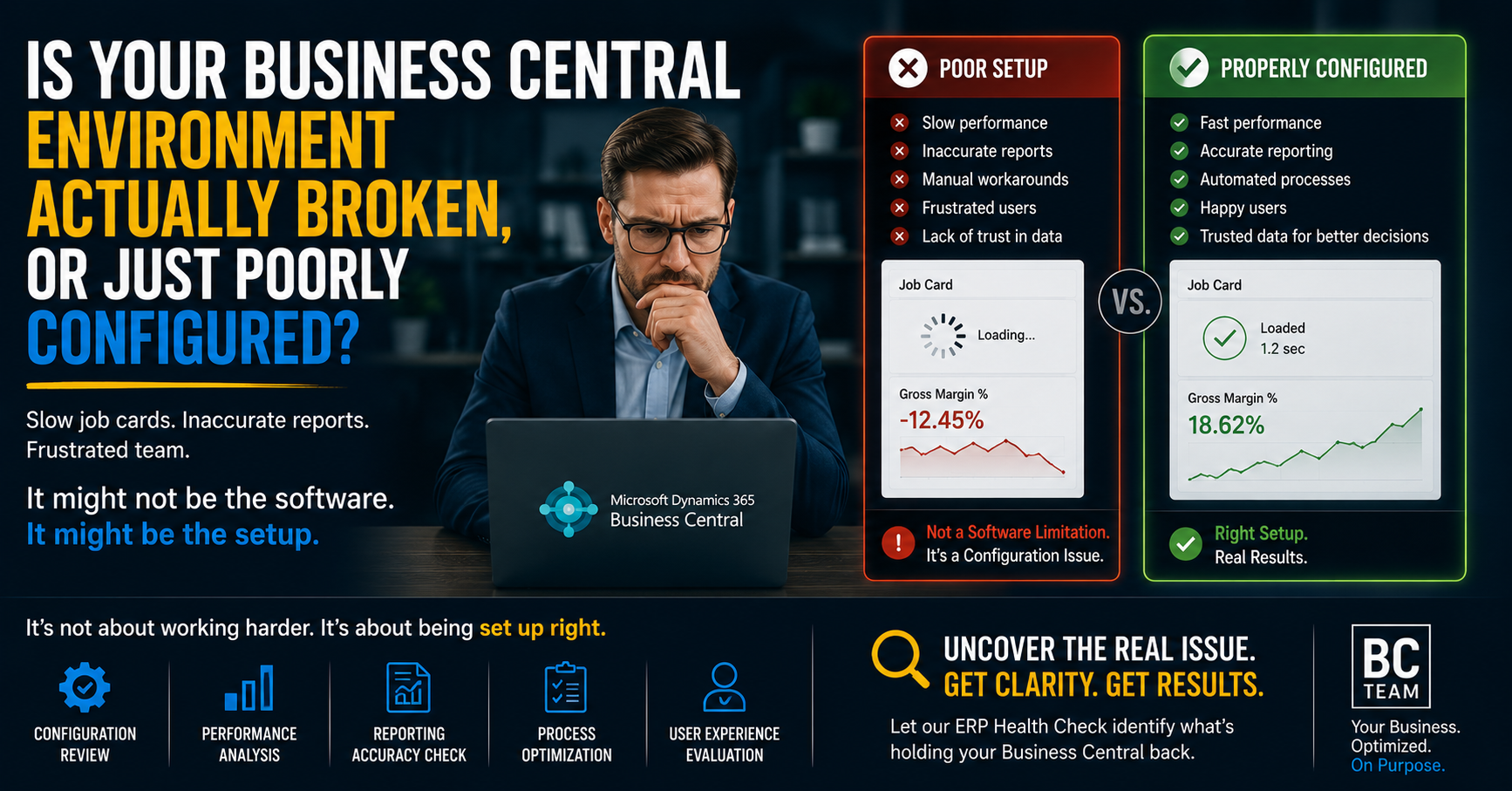
It's day 17 of month-end close. Your Controller is still chasing down a $40,000 variance in WIP that shouldn't exist. Someone on the team just told you a Job Card took two full minutes to open this morning — and that's a "good" day. Your VP of Finance has started asking, not for the first time, whether the company "made a mistake going with Business Central."
You probably haven't made a mistake. You've probably inherited a poorly configured environment that's been quietly compounding problems since go-live, and nobody's looked under the hood since.
This distinction matters more than it sounds like it should, because the two diagnoses lead to completely different decisions. One says "rip it out, the platform can't handle our business." The other says "fix the architecture, the platform is fine." We see far more of the second than the first — and getting that diagnosis wrong is an expensive mistake either way.
Why this confusion happens in the first place
Business Central is a genuinely capable platform. It's running financials, inventory, and operations for tens of thousands of mid-market companies across construction, manufacturing, and distribution — sectors with real complexity in job costing, WIP, and multi-entity reporting. The engine itself is not the bottleneck for the vast majority of companies running into performance or reporting problems.
What actually happens is more mundane and far more fixable: most implementations are configured once, under time pressure, by a team focused on hitting a go-live date — not on long-term data architecture. Three years and several thousand transactions later, the shortcuts taken in month one are now the reason your Job Cards spin for ninety seconds before they render.
The software didn't get worse. The data structure underneath it got heavier, and nobody went back to reinforce the foundation.
The three places we audit first
When a client comes to us with "BC is slow" or "our numbers don't reconcile," there are three specific areas that explain the overwhelming majority of cases. Before assuming it's a platform limitation, get someone to look at these.
1. Dimension setup and overuse
Dimensions are one of the most powerful features in Business Central — and one of the most commonly abused. We regularly see companies running 8 to 12 dimensions on every transaction, several of which were set up to solve a one-off reporting request three years ago and never decommissioned.
- Every additional dimension combination multiplies the rows written to the Dimension Set Entry table on every single posting.
- Reports that filter or sum across dimensions get measurably slower as that table grows into the millions of rows.
- Job Cards and posting routines that re-validate dimension combinations on every save take the hit directly — this is frequently the single biggest cause of the "spinning wheel" experience.
The fix isn't always "use fewer dimensions." It's auditing which dimensions are actually load-bearing for decision-making versus which were set up once and forgotten.
2. Unindexed or poorly built custom extensions
Most mid-market BC environments run several customizations or AppSource extensions layered on top of the base platform — a custom approval workflow, a third-party freight calculator, a bolt-on for industry-specific job costing. Individually, these are reasonable. Collectively, they're often where performance problems live.
- A custom extension querying a large table without a proper index can silently add seconds to a routine that should take milliseconds — and it gets worse as your data grows, which is exactly why a system that felt fine in year one feels broken in year three.
- Extensions that trigger on every record change (rather than only when relevant) add overhead to every single transaction across the system, not just the ones the extension was built for.
- Nobody budgets time to go back and performance-test these once they're live — they get installed, they work, and they're never revisited as data volume scales.
A targeted technical audit of your installed extensions, specifically looking at query patterns and indexing, is one of the highest-leverage diagnostics we run.
3. Bloated or inconsistent G/L data mapping
This is the one that shows up as messy financial reporting rather than raw speed. A Chart of Accounts that's grown organically — new G/L accounts added ad hoc for one-time needs, inconsistent posting groups, mapping that doesn't cleanly tie sub-ledgers back to the G/L — produces month-end reconciliation pain that has nothing to do with the software and everything to do with how the data has been structured underneath it.
- If your G/L Entry table has years of accumulated postings against accounts that should have been consolidated, every trial balance pull and every financial report inherits that mess.
- Inconsistent posting group setups are a classic source of WIP variances that take days to track down manually.
- A clean Chart of Accounts and consistent posting group architecture is foundational — and it's almost never revisited after initial go-live, even as the business changes.
What this actually looks like fixed
We worked with a mid-sized construction firm running BC for four years whose month-end close had crept from roughly 5 days to 21 days. Job Cards were taking 60-90 seconds to load on a busy day. Their internal team's working theory was that they'd "outgrown" Business Central.
The actual diagnosis: 11 active dimensions where 4 were doing real work, two unindexed custom extensions querying the Job Ledger Entry table on every Job Card open, and a Chart of Accounts with over 40 dormant G/L accounts still receiving postings from legacy integrations. None of that is a platform limitation. All of it is fixable architecture.
After a targeted cleanup — dimension consolidation, proper indexing on the custom extensions, and a Chart of Accounts rationalization — month-end close came down to 4 days, and Job Cards opened in under three seconds. Same platform. Same license. Same data volume. Different architecture underneath it.
You don't have to live with a system that fights you
If your team has started quietly grumbling about Business Central, or someone upstairs is asking whether the original investment was a mistake, it's worth getting a clear answer before anyone makes a decision based on a guess. In our experience, the platform is rarely the actual problem — the configuration underneath it almost always is.
Book a free 30-minute BC Call with our team. We'll walk through what's actually happening in your environment — dimensions, extensions, data architecture — and map out exactly what a clean path back to a fast, trustworthy system looks like. No sales pitch, just a straight diagnosis.