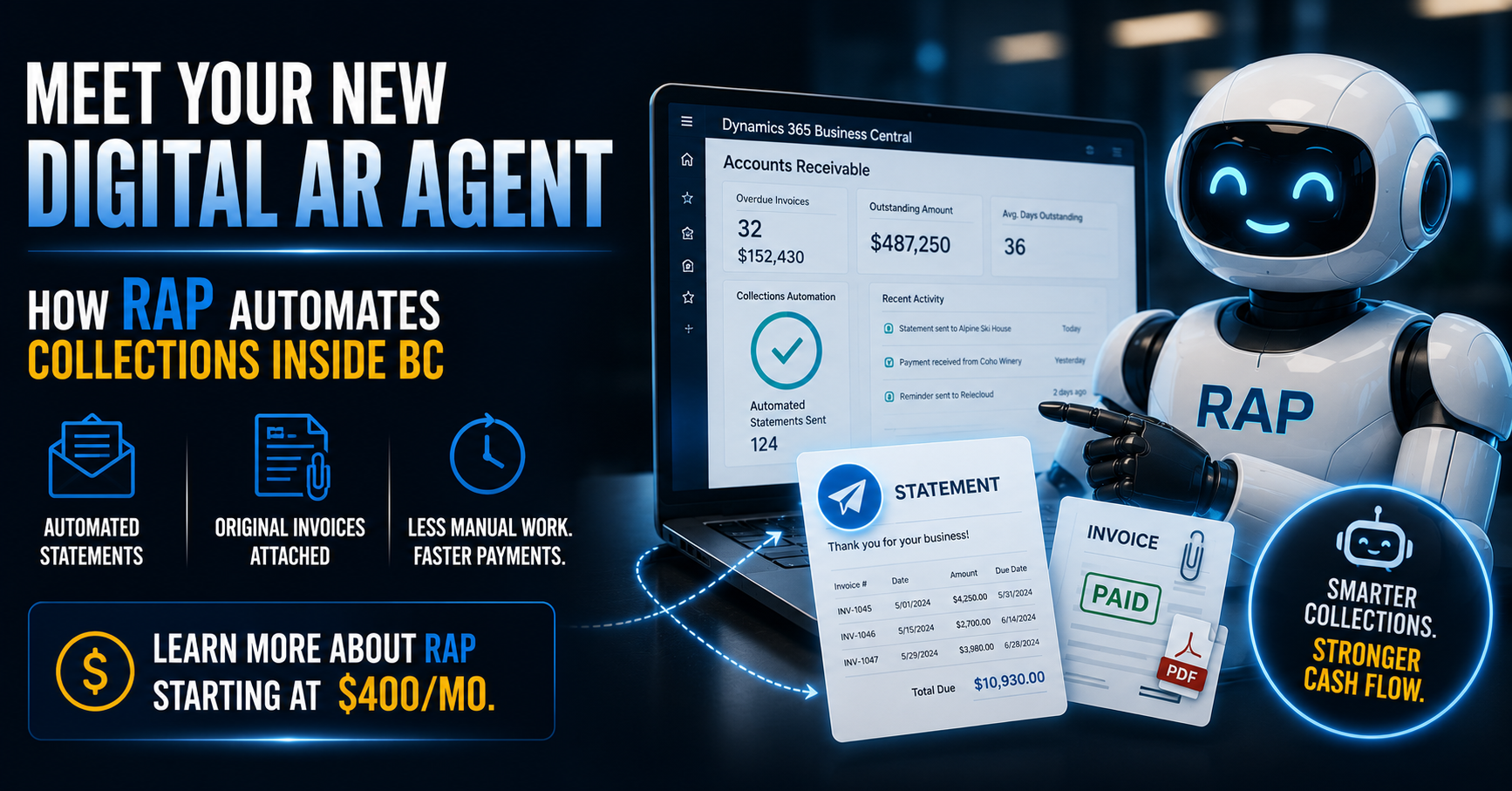
Tuesday morning, your AR clerk pulls the aging report. Forty-two invoices sitting past due. She starts working down the list — sorting by bucket, drafting individual follow-up emails, attaching invoices she has to dig up from a shared folder because the original PDF wasn't saved where it should've been.
By Thursday she's maybe two-thirds through the list. Friday, a customer replies: "Can you resend the original invoice? We never received it." That single email resets the clock on that payment by another week, and she's already moved on to next month's aging report before this month's is even fully worked.
This is what manual collections actually looks like at most mid-market companies running Business Central — not a process failure exactly, just an enormous amount of skilled labor spent on something that doesn't require human judgment most of the time. Here's what changes when that work gets automated properly.
Why manual collections drags on so long
BC tracks every open invoice, every payment, every aging bucket with complete accuracy inside the Customer Ledger Entries table. The data is right there. The problem isn't the data — it's that nothing is acting on it automatically.
Without automation, a human has to manually pull the aging report, decide who's due for a reminder, draft the message, find the right invoice PDF, attach it, and send it — for every customer, every cycle. Multiply that by however many overdue accounts you're carrying, and it's easy to see why collections becomes the task that always gets pushed to "later today" and then doesn't happen until it's genuinely overdue.
The "can you resend the invoice" reply isn't a customer being difficult. It's a predictable consequence of a process that doesn't reliably attach the actual documentation every time, every cycle, without fail.
What RAP actually does
RAP — the Receivables Automation Platform — runs natively alongside Business Central as a digital AR agent. It doesn't replace your team's judgment on real exceptions. It eliminates the repetitive, mechanical work that's currently consuming most of their week.
Continuous monitoring, not a monthly report pull
RAP watches your Customer Ledger Entries and aging timelines continuously, not just when someone remembers to run a report. The moment an invoice crosses into a new aging bucket, RAP already knows — no manual pull required.
Statements that actually include the invoice
This is the detail that matters most. RAP doesn't just send a generic reminder — it automatically attaches the original open invoice PDFs directly from BC, pulled from the actual transaction record, every single time. The "we never received it" excuse loses its footing when the invoice is sitting right in the email.
Rules-based, not robotic
You define the cadence and tone: a friendly nudge at 15 days past due, a firmer statement at 30, an escalation flag at 60 that routes to a human for direct outreach. RAP runs that sequence automatically and consistently — no missed cycles because someone was out sick or buried in month-end.
What this actually changes for your team
- The back-and-forth disappears. When every communication automatically includes the correct invoice and a clear statement of what's owed, the email chain asking for documentation mostly stops happening — and that chain is often what adds a week or two to payment timelines.
- Your AR team works exceptions, not routine. Instead of spending Tuesday through Thursday drafting standard reminders, your team's time goes to the handful of accounts that genuinely need a phone call, a payment plan conversation, or a judgment call.
- Aging stops being a once-a-month surprise. Because monitoring is continuous, problems surface as they happen instead of getting batched into a monthly review where the oldest invoices have already drifted further out.
The combined effect on Days Sales Outstanding is usually the first thing finance leadership notices — fewer invoices drifting past 60 and 90 days simply because the reminder cadence never lapses.
What this looks like in practice
A distribution company running BC with roughly 200 active customer accounts had one AR clerk spending close to three full days a week on manual collections follow-up, and DSO had crept to 52 days. After deploying RAP, that same clerk's collections workload dropped to under a day a week — almost entirely exception handling — and DSO came down to 38 days within two billing cycles, largely from eliminating the lag caused by missing-invoice replies and inconsistent follow-up timing.
That's not a six-figure transformation project. It's a rules engine sitting on top of data BC already has, doing the repetitive part of collections so your team doesn't have to.
You don't need a six-figure project to fix your cash flow pipeline
Most cash flow problems at mid-market companies aren't a financing issue or a customer creditworthiness issue — they're a follow-up consistency issue. RAP fixes the follow-up consistency issue directly, without a lengthy implementation timeline and without ripping out anything you're already running in Business Central.
It deploys quickly, runs natively alongside your existing BC environment, and starts at just $400/month — a fraction of the cost of the AR labor hours it replaces, with a payback period most finance leaders can calculate before the demo call ends.
If your team is still manually working aging reports and fielding "can you resend the invoice" emails every week, it's worth seeing what a digital AR agent actually looks like running on your own data.