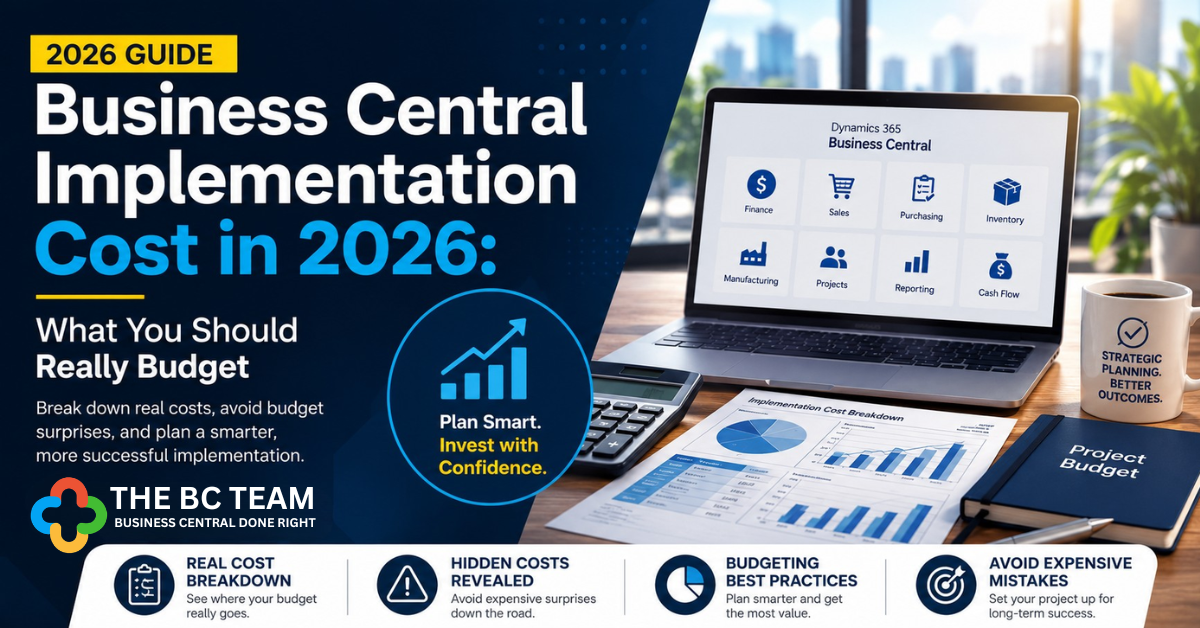
Wondering how much a Microsoft Dynamics 365 Business Central implementation costs? The answer depends on much more than software licenses. Below we break down the real costs, the biggest budget surprises, and how to avoid expensive implementation mistakes.
Quick Answer
Most Business Central implementation projects fall into these ranges:
| Company Size | Typical Implementation Cost |
|---|---|
| Small (10–25 users) | $25,000–$75,000 |
| Mid-sized (25–75 users) | $75,000–$250,000 |
| Larger organizations (75+ users) | $250,000–$1M+ |
These estimates generally include implementation services but not always software licensing, ISV applications, internal labor, or long-term support. Two companies with the same revenue can have implementation budgets that differ by hundreds of thousands of dollars depending on operational complexity.
What Determines Business Central Implementation Cost?
Every implementation is different, but the largest cost drivers are usually:
- Number of users and legal entities
- Manufacturing and warehouse complexity
- Data migration scope
- Integrations with other systems
- Custom development requirements
- Reporting needs and user training
Software Licensing Is Only One Piece
Many companies focus on Microsoft licensing because it's easy to price. In reality, licensing is often one of the smaller portions of the overall investment. A complete project budget may include:
- Microsoft Business Central licenses
- Implementation consulting and solution design
- Data migration and user acceptance testing
- Training and change management
- Go-live support and integrations
- ISV applications and ongoing optimization
Ignoring these costs creates unrealistic expectations before the project even begins.
The Biggest Cost Drivers
1. Data Migration
Moving clean, accurate data into Business Central is consistently one of the most underestimated parts of any implementation. Common migration activities include customers, vendors, items, inventory balances, open purchase and sales orders, GL balances, historical transactions, and fixed assets. Poor-quality legacy data dramatically increases implementation effort.
2. Manufacturing Complexity
Manufacturers typically require additional configuration for Bills of Material, Routings, Production Orders, Machine Centers, Capacity Planning, and Quality Processes. These features add significant business value but require more planning and testing time.
3. Warehouse Management
Organizations operating multiple warehouses often need bin management, directed put-away, warehouse picks and shipments, barcode integration, and mobile devices. The more advanced the warehouse operation, the more implementation planning is required.
4. Integrations
Most businesses don't operate Business Central in isolation. Typical integrations include Shopify, Microsoft 365, Power BI, payroll systems, shipping platforms, CRM, e-commerce, banking platforms, and third-party logistics. Every integration introduces additional planning, testing, and ongoing support considerations.
Hidden Costs Companies Often Miss
Internal Project Team Time
Your employees will spend significant time in discovery workshops, process reviews, testing, training, and go-live preparation. Their availability — and the opportunity cost of pulling them from their day jobs — has a direct impact on both project cost and success.
Process Redesign
A Business Central implementation isn't just a software project. It's an opportunity to improve how your business operates. Many organizations use the implementation to redesign purchasing, inventory control, month-end close, approval workflows, financial reporting, and production planning. These improvements often deliver more long-term value than the software itself.
Training
Training shouldn't end at go-live. Effective organizations invest in role-based training, department-specific sessions, documentation, and follow-up coaching. Better-trained users make fewer mistakes and adopt the system significantly faster.
Why Some Business Central Projects Cost More Than Others
Higher project costs don't necessarily indicate inefficiency. Projects become more complex when they involve multiple companies or currencies, international operations, complex manufacturing, advanced warehousing, regulatory compliance, custom reporting, or extensive integrations. The goal isn't to minimize implementation cost — it's to maximize long-term business value.
The Most Expensive Mistake: Choosing the Wrong Partner
The lowest proposal is rarely the least expensive in the long run. Poor implementations often lead to rework, missed deadlines, user frustration, reporting issues, inventory inaccuracies, manual workarounds, and additional consulting costs. Many organizations eventually hire a second firm to rescue an implementation that never achieved its original objectives.
Choosing an experienced implementation partner from the start significantly reduces project risk — and total cost.
How to Reduce Implementation Costs Without Sacrificing Quality
- Standardize business processes before implementation begins.
- Clean legacy data before migration — don't bring the mess across.
- Minimize unnecessary customizations. Adopt standard BC functionality wherever possible.
- Prioritize business-critical integrations first; phase the rest.
- Train key users early so they can support their teams at go-live.
- Phase advanced features instead of launching everything at once.
A phased approach often delivers faster value while reducing implementation risk.
Is Business Central Worth the Investment?
For most growing organizations, yes. A well-executed implementation helps businesses reduce manual data entry, shorten month-end close, improve inventory accuracy, increase reporting visibility, strengthen cash flow management, and support future growth — replacing disconnected spreadsheets and legacy systems with a single, reliable platform.
The return on investment comes from better processes and improved decision-making, not simply from deploying new software.
Frequently Asked Questions
How long does a Business Central implementation take?
Most projects take between 3 and 12 months, depending on scope, complexity, data migration requirements, and resource availability.
Can small businesses afford Business Central?
Yes. Business Central scales well from smaller organizations to enterprises with hundreds of users, allowing companies to grow without replacing their ERP.
What is the biggest factor affecting implementation cost?
Business process complexity, data migration requirements, integrations, and the level of customization typically have the greatest impact on total project cost.
Should we customize Business Central?
Start with standard functionality whenever possible. Customizations should address genuine competitive or operational requirements — not just replicate legacy processes.
How do I know if my implementation budget is realistic?
An experienced Business Central partner can conduct a discovery assessment to estimate scope, identify risks, and develop a phased implementation roadmap before work begins.