A $40 million general contractor came to us two years ago with a problem that had been hiding in plain sight. They had 14 active projects. Twelve were hitting their margin targets on paper. Two were hemorrhaging money. By the time the numbers surfaced through their month-end process, one of those jobs had already burned past break-even — and the team had been making resourcing decisions for the next project based on the assumption that cash was coming in on schedule.
It wasn't a cash flow problem. It was a visibility problem. And it's the most common pattern we see in construction businesses that haven't set up their ERP to think the way a job-based business actually works.
Job costing in Business Central — when it's configured properly — solves this. Not in theory. In practice, at the job level, in real time. Here's what that actually looks like.
Why standard accounting fails construction
Traditional accounting is designed for businesses where revenue and cost flow through predictable cycles. A product ships. An invoice is raised. The margin is what it is. The books close, and you move on to next month.
Construction doesn't work like that. Your revenue is contracted upfront but earned progressively. Your costs arrive in waves — materials in week two, labour through the whole job, subcontractors when they're done, equipment rentals that get disputed. A project that looked like it was running at 28% gross margin in month one might actually be sitting at 11% by month three, not because anything went wrong in month three, but because the early numbers were incomplete.
The default response to this is more spreadsheets. Project managers build their own tracking. Finance builds theirs. At month-end, someone spends two days reconciling the two. This is how you arrive at a situation where a project is flagged as problematic six weeks after the point where you could have done anything about it.
What Business Central's job costing module actually does
Business Central structures job costing around a concept called the Job Card — a single record that connects every financial event associated with a project: purchase orders, vendor invoices, time entries, material consumption, subcontractor costs, and billing. When it's set up correctly, the job card becomes the single source of truth for a project's financial position.
The core capabilities that matter for a construction business:
- Budget vs. actual by cost category — labour, materials, subcontract, and equipment tracked separately against the original budget at the task level, not just the total job level
- WIP (Work in Progress) accounting — BC handles the accounting entries for costs incurred but not yet billed, and revenue earned but not yet invoiced, so your P&L doesn't misrepresent where you actually are mid-project
- Purchase order commitment tracking — when a PO is raised, BC records the committed cost before the invoice arrives, which means your cost position reflects what you've ordered, not just what's been billed
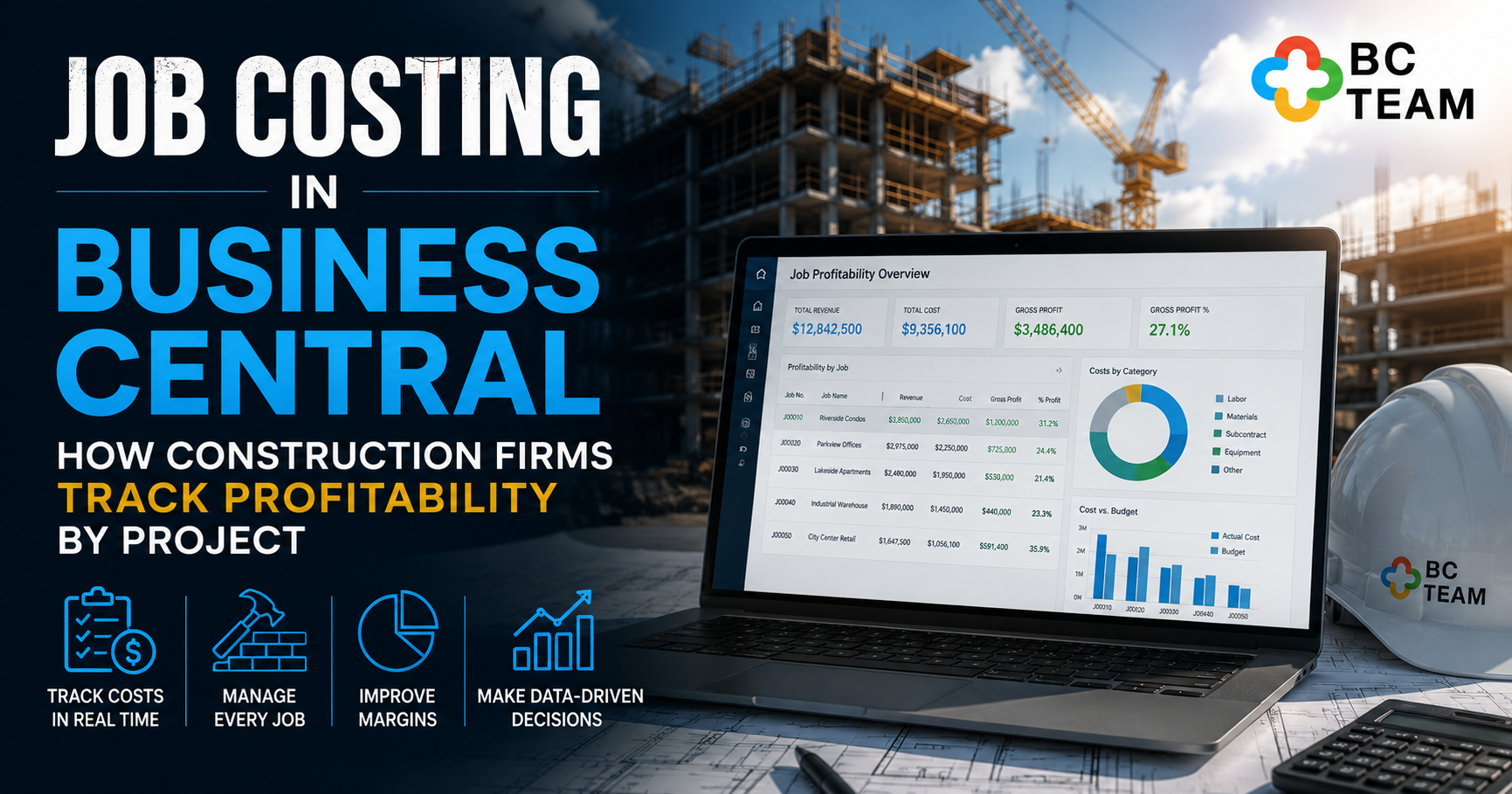
- Real-time job profitability reports — the Job Profitability Overview gives you revenue, cost, gross profit, and margin percentage per job, updated as transactions post
- Multi-phase job structure — you can break a job into tasks and subtasks, so a $5M build isn't tracked as a single number but as foundations, structure, fitout, and commissioning — each with its own budget and cost line
- Progress billing integration — invoices raised against the job reduce the outstanding revenue balance and update the earned-to-date position automatically
None of this is magic. But when it replaces a combination of spreadsheets, a disconnected project management tool, and a finance system that only speaks in GL codes — the improvement in visibility is dramatic.
The configuration decisions that make or break it
Here's what most people don't tell you: Business Central's job costing module ships with enough flexibility that two businesses can implement it completely differently and get completely different results from identical data.
The decisions that matter most:
Job structure depth. You can track a project as a single job, or you can break it into tasks with sub-tasks. For simple projects, a flat structure is fine. For a $20M commercial build with 30 cost codes, a shallow job structure means your "budget vs actual" report is useless in practice — everything rolls up to a number that's too aggregated to act on. Get the task hierarchy right at setup, before any costs post.
WIP method selection. BC offers multiple WIP calculation methods — percentage of completion, completed contract, cost of sales, and others. The right choice depends on your contract type, your revenue recognition policy, and what your auditors expect. We've seen firms implement Business Central, go live on the wrong WIP method, and spend the next six months explaining P&L variances that didn't actually exist in the underlying business. This is a decision that needs finance and operations in the same room before go-live.
Cost type mapping. How you categorise costs in BC determines what you can report on later. If labour from three different crew types all posts to a single "labour" cost type, you can't identify which resource category is running over budget. Set up your cost type structure to match the granularity you actually need for project decisions — not the minimum required to satisfy the accountants.
Purchase order integration. By default, a PO doesn't appear in your job cost position until the invoice is matched and posted. If you're buying materials months ahead of installation, your committed cost position looks artificially clean. We always configure jobs with committed cost visibility turned on, so the job card reflects reality — including what's been ordered but not yet billed.
Is your BC job costing set up to catch problems early?
Book a free 30-min call. We'll take a look at your current configuration and tell you where the gaps are — no obligation.
What good looks like in practice
When job costing is working properly, a project manager and a CFO should be able to look at the same number in Business Central and have the same conversation — not a negotiation about whose spreadsheet is right.
After restructuring their job cards to include task-level cost budgets and enabling committed cost tracking on all POs, this client's finance team moved from a three-week month-end reconciliation cycle to posting final job profitability reports within four days of period close. More importantly, project managers started catching cost overruns during the job — not after it — because the same numbers were visible to both teams in real time.
The difference between a business that can do this and one that can't usually isn't the platform. It's whether the platform has been set up to reflect how the business actually operates — right down to which GL account a subcontractor invoice hits and what cost type it flows to in the job card.
The reports that construction decision-makers actually use
Business Central ships with several job-related reports. The ones we see finance leaders and operations directors use consistently:
- Job Profitability Overview — revenue, cost, gross profit, and margin across all active jobs. Your CFO's weekly starting point.
- Job Budget vs. Actual — cost performance at the task level against original budget. Your project manager's daily reference.
- WIP to G/L Reconciliation — confirms that what's posted in the job module matches what's in the general ledger. Essential for month-end and your auditors.
- Job Cost Transaction Detail — every cost posted to a job, filterable by type, date, vendor, or resource. The one you pull when something doesn't add up.
- Job Actual to Budget (Cost)% — a percentage-based view of cost performance, useful for flagging which jobs are absorbing costs faster than planned relative to the work done.
Power BI extends this considerably. We've built dashboards for construction clients that show real-time margin by project, cost variance by category across the portfolio, and cash flow timing against expected billing milestones — all pulling directly from Business Central with no manual data export required.
Where the gaps are — and how to close them
Business Central's standard job module doesn't handle everything a construction business needs. The gaps are real and worth knowing about before you discover them mid-implementation:
- Progress claim schedules — not standard. Requires either a customisation or an AppSource extension specifically built for construction billing.
- Retention management — amounts held from subcontractors and amounts clients are holding from you both require custom handling to track properly in BC.
- Variation order tracking — BC has no native variation management workflow. Variations need to be tracked outside the system or via extension until they're formally approved and added to the job budget.
- Site timesheets with mobile capture — the standard timesheet functionality is functional but not designed for field crews. Third-party integrations (including Microsoft's own Field Service) solve this, but add implementation scope.
None of these are showstoppers. Every one of them has a workable solution. But they need to be scoped and priced before you go live — not discovered after.
The question that changes the conversation
When we do a BC health check for a construction business, we ask one question early: "On your last three completed projects, when did you know the final margin?"
If the answer is "after final invoice" or "when the accounts closed," the job costing setup needs work. If the answer is "we had a pretty accurate picture by 60% completion," that's a system that's doing its job.
The goal isn't perfect numbers in real time — construction is too dynamic for that. The goal is early enough to act. A cost overrun caught at 50% complete is a management problem. The same overrun caught at 95% complete is a write-down.
Business Central has the architecture to give you the former. Whether your current configuration is delivering it is a different question — and one worth answering before you price your next project.
Find out if your job costing is actually protecting your margins.
Taylor will review your Business Central setup and show you exactly where your job cost visibility breaks down — and what to do about it. No sales pitch. No obligation.