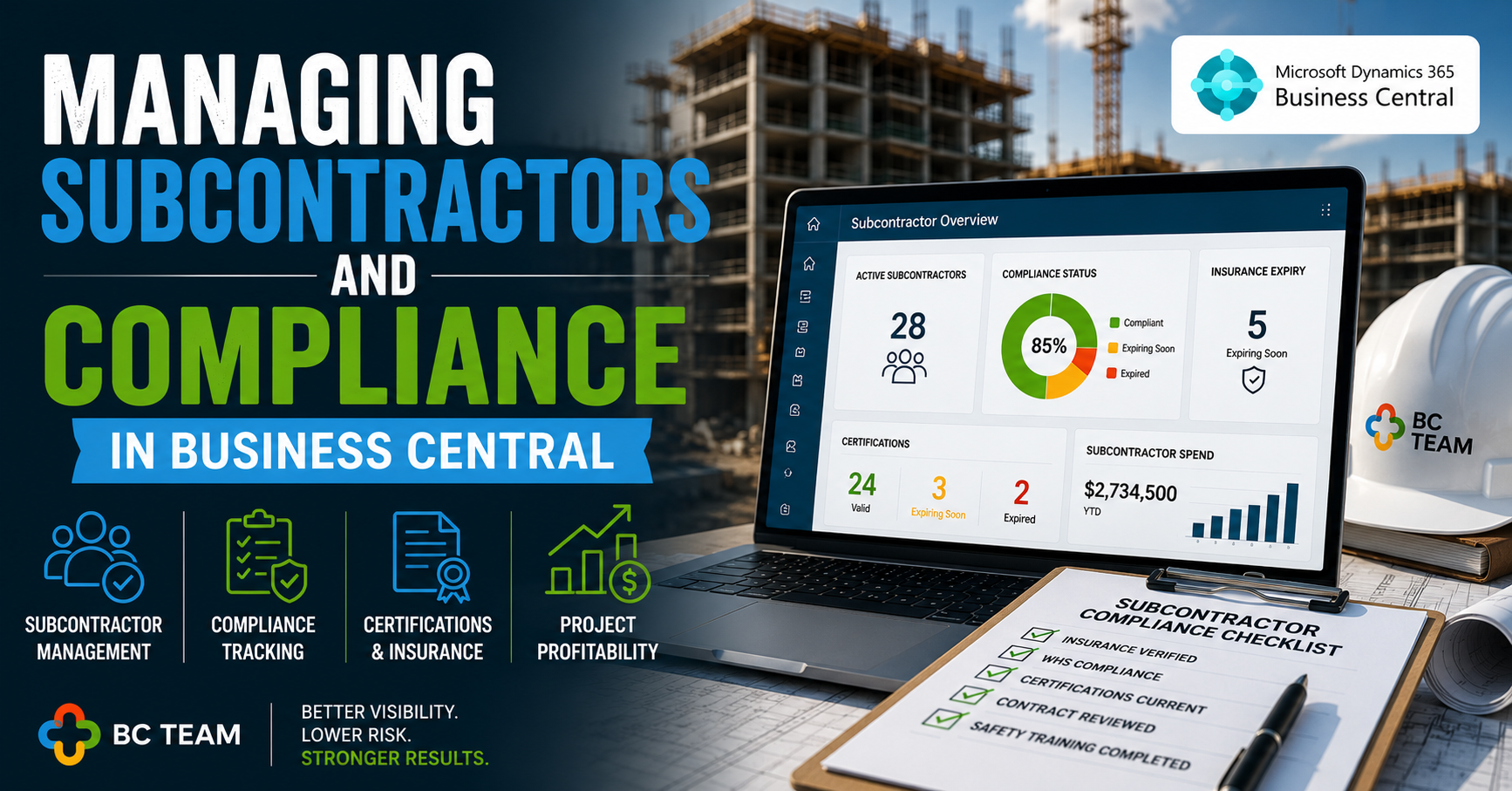
There's a contractor invoice sitting in someone's inbox right now at your company. It's waiting on a certificate of insurance that expired two months ago. Someone knows this. Nobody's doing anything about it — because there's no system forcing anyone to.
This is the quiet compliance gap that lives inside almost every growing business: subcontractors are managed through a patchwork of spreadsheets, email chains, shared drives, and institutional memory. It works — until it doesn't. Until a project gets audited. Until a worker gets injured and your company is on the hook because a lapsed certificate slipped through. Until a client asks for your vendor compliance report and nobody can produce one in under three days.
Microsoft Dynamics 365 Business Central was built to close exactly this gap. But most companies using it aren't using it for this. Here's what that actually looks like in practice — and why it's worth changing.
Why Subcontractor Management Breaks Down
The problem isn't that companies don't care about compliance. They do. The problem is that compliance responsibilities are scattered across departments that don't naturally talk to each other.
Procurement onboards the vendor. Finance processes the invoices. Operations schedules the work. Legal or HR tracks certifications. Nobody owns the full picture.
When those functions live in separate systems — or worse, in people's heads — compliance becomes reactive. You find out about a lapsed license when a job site flags it, not when the renewal date passes. You discover a vendor's insurance gap when a claim is filed, not when the policy expired.
Business Central doesn't solve this by adding more process. It solves it by making the data live in one place, with visibility across all of it.
What Business Central Actually Gives You
A Vendor Card That Does More Than Store Contact Info
Most companies use the Vendor Card in Business Central as an address book with payment terms. That's fine, but it's leaving significant capability on the table.
The Vendor Card supports custom fields and document attachments — which means it can become the authoritative record for every subcontractor relationship. Certificates of insurance, trade licenses, W-9s, signed subcontractor agreements, safety training records: all of it can live on the card, directly linked to the vendor record.
More importantly, you can build expiration tracking into it. A custom field for "Insurance Expiry Date" with a reminder workflow means someone in your org gets an alert 30 days before it lapses — not the day after a claim comes in.
Purchase Orders as Compliance Checkpoints
One of the most underutilised patterns in Business Central: blocking payment workflows based on vendor compliance status.
Using approval workflows, you can configure Business Central so that a purchase order can't be approved — or an invoice posted — if a vendor's compliance status is flagged. The check happens automatically, before money moves. No manual audit, no chasing down paperwork at month-end.
This is a fundamental shift from reactive to preventive. Instead of auditing after the fact, the system prevents the transaction from completing until compliance is confirmed.
Job Costing That Doesn't Lie
For project-heavy businesses — construction, professional services, field operations — subcontractor costs are often the largest line item and the hardest to track accurately.
Business Central's Jobs module lets you assign subcontractor costs directly to specific jobs and phases, with real-time visibility into budgeted vs. actual spend. When a subcontractor submits an invoice, it maps to the job record. Variances are visible immediately, not discovered at project close.
This isn't just accounting accuracy. It's negotiating leverage. It's knowing, when a subcontractor says a scope change drove costs up 20%, whether the job data supports that claim.
Dimensions: The Hidden Compliance Tool
Business Central's dimension framework is worth calling out specifically because most companies use dimensions for financial reporting and stop there.
Dimensions can also drive visibility into subcontractor performance and compliance across your operation. Tag every vendor transaction with a dimension for project type, region, or compliance tier. Now you can pull a report showing all transactions with vendors whose certifications are within 60 days of expiry — across every active project, instantly.
That's not a custom report that takes your IT team two weeks to build. It's a filtered view of data that's already in the system.
The Integration Angle Decision-Makers Should Care About
Here's where it gets interesting for companies at scale.
Business Central's open API architecture means subcontractor compliance data doesn't have to stay siloed inside the ERP. It can connect outward — to prequalification platforms like Avetta or ISNetworld, to document management systems, to your project management software.
What this enables: a subcontractor updates their insurance certificate in your prequalification portal, that update triggers a status change in Business Central, and the payment block on their account is automatically lifted. No manual data entry. No email to AP. No delay.
This kind of integration used to require custom development and significant IT investment. Power Automate — which comes with the Microsoft 365 stack most Business Central customers already have — has made it achievable without a six-figure implementation project.
The Real Cost of Getting This Wrong
Decision-makers sometimes look at subcontractor compliance infrastructure as an overhead cost. It's worth reframing that.
The liability exposure from a single uninsured subcontractor incident typically exceeds the annual cost of implementing proper compliance controls. The project delays from last-minute vendor qualification issues have real, measurable dollar values. The staff hours spent chasing certificates and manually checking expiration dates are hours not spent on revenue-generating work.
The question isn't whether you can afford to build this into Business Central. It's whether you can afford to keep managing it the way you're managing it now.
Where to Start
If you're already on Business Central and this is resonating, the practical starting point isn't a big implementation project. It's an audit of your current vendor card setup and your existing purchase order workflows.
Ask two questions: How does your organisation currently know if a vendor's insurance is current? And what happens to a payment if it isn't?
If the honest answer to either is "someone checks manually" or "we rely on the vendor to notify us" — that's the gap. Business Central has the native capability to close it. You may not need new software. You may just need to use what you have differently.