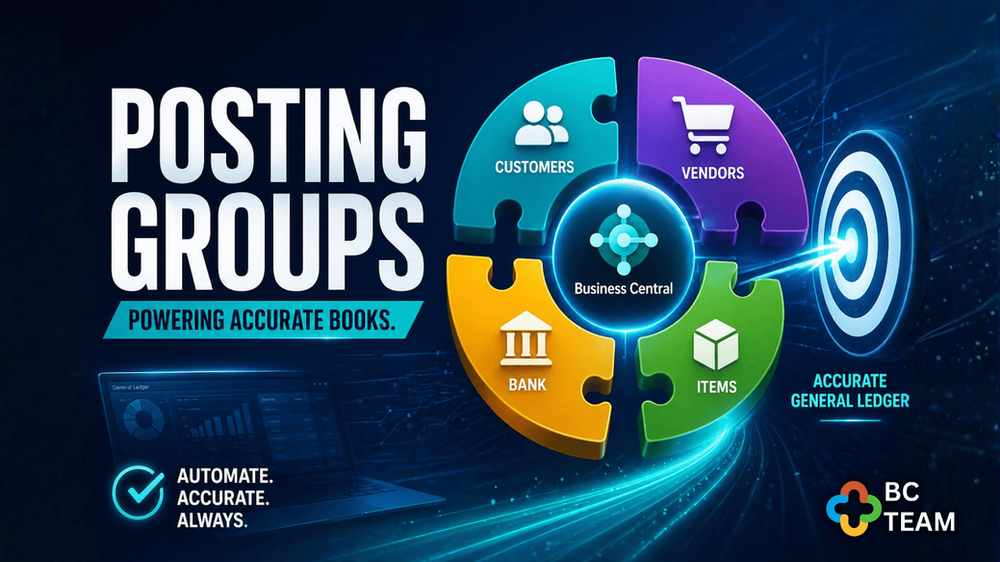
Understanding Posting Groups in Microsoft Dynamics 365 Business Central
- 3 hours ago
- 2 min read
One of the most powerful automation features in Business Central — and how it silently keeps your General Ledger accurate, every single time.

What Are Posting Groups?
At their core, Posting Groups are configuration tables that tell Business Central where to record a transaction in the General Ledger. Think of them as the bridge between everyday business operations — selling a product, paying a vendor, moving inventory — and the chart of accounts that your accountants and auditors rely on.
Without Posting Groups, every single journal entry would need to be coded manually. With them, the system handles the accounting logic for you based on rules you set up once and trust indefinitely.
The Three Core Types
Business Central organizes Posting Groups into three main categories, each covering a different dimension of your business transactions.
How It Works in Practice
When a sales invoice is posted in Business Central, the system doesn't ask your team which accounts to use. Instead, it looks at the customer's Posting Group assignment and the item's Posting Group assignment, cross-references the General Posting Setup table, and writes the journal entries automatically. Here's the typical flow:
Transaction is initiated — a sales order, purchase invoice, or inventory movement is entered into the system.
Posting Groups are read — Business Central checks the groups assigned to the customer/vendor and the item or resource involved.
Setup tables are queried — the system looks up the General Posting Setup or VAT Posting Setup to find the correct G/L accounts.
Journal entries are created — debit and credit entries are written to the General Ledger automatically, with no manual coding required.
Subledgers are updated — Customer Ledger, Vendor Ledger, and Inventory Ledger entries are also created, keeping everything reconciled.
"Mastering Posting Groups is not just a technical skill — it's the foundation of a reliable, scalable Business Central implementation."
Why This Matters for Your Business
Whether you are in finance, operations, or managing an ERP rollout, getting Posting Groups right has a direct impact on reporting quality and compliance. Here is why they deserve careful attention:

Common Mistakes to Avoid
Posting Groups are powerful, but misconfiguration can cause problems that are difficult to trace. The most frequent issues we see include using too few groups (which sacrifices reporting granularity), assigning the wrong VAT group to a product or customer, and failing to test posting setups before go-live. Additionally, many teams forget to update Posting Group assignments when they expand to new countries or product lines — leading to G/L entries that are technically posted, but in the wrong accounts.
A structured setup review and periodic audit of your Posting Group configuration is a small investment that pays significant dividends in data quality and peace of mind.


Comments